Digital Restaurant Menu
& QR Ordering for UAE.
Let customers scan, browse the menu and place orders from their phone — directly into your restaurant workflow.
Luqma QR Ordering is a contactless restaurant ordering system for UAE cafés and restaurants. Customers scan a QR code, browse your digital menu with categories, item descriptions and modifiers, and place their order — no app needed.
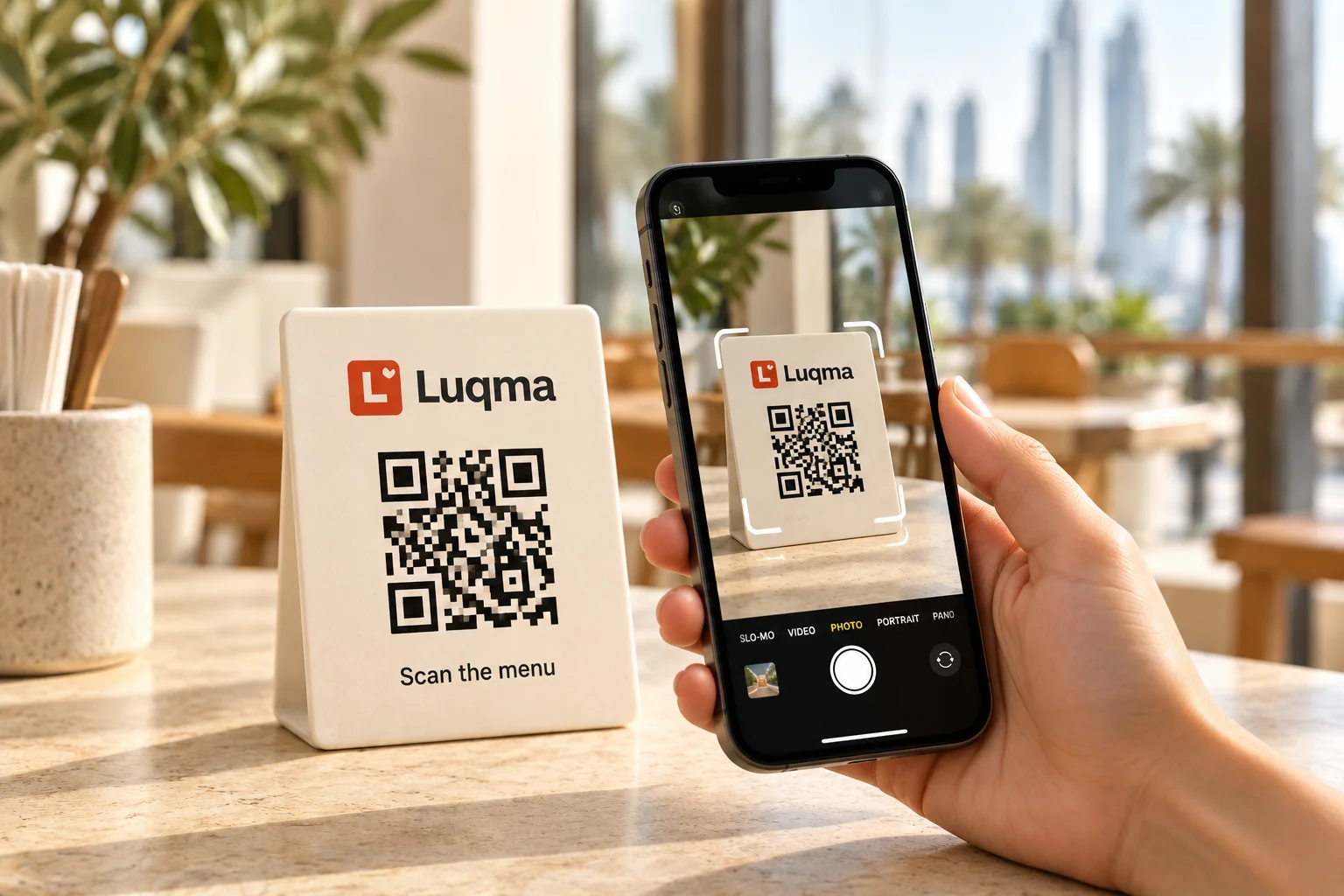
From scan to kitchen in seconds
Scan. Order. Send.
Customer scans the table QR, browses and orders — order arrives in Luqma instantly.
Everything a table needs to order.
Simple for customers. Seamlessly connected for your team.
Digital Menu
Customers browse your full menu from their own phone — categories, descriptions, prices and photos.
QR Table Ordering
Place a unique QR code on each table. Customers scan and order directly from their seat.
Modifiers & Options
Customers choose available sizes, extras and modifiers before confirming their order.
Connected Orders
Orders flow directly into the Luqma restaurant workflow — no manual re-entry required.
Menu experience
Your restaurant.
Your menu.
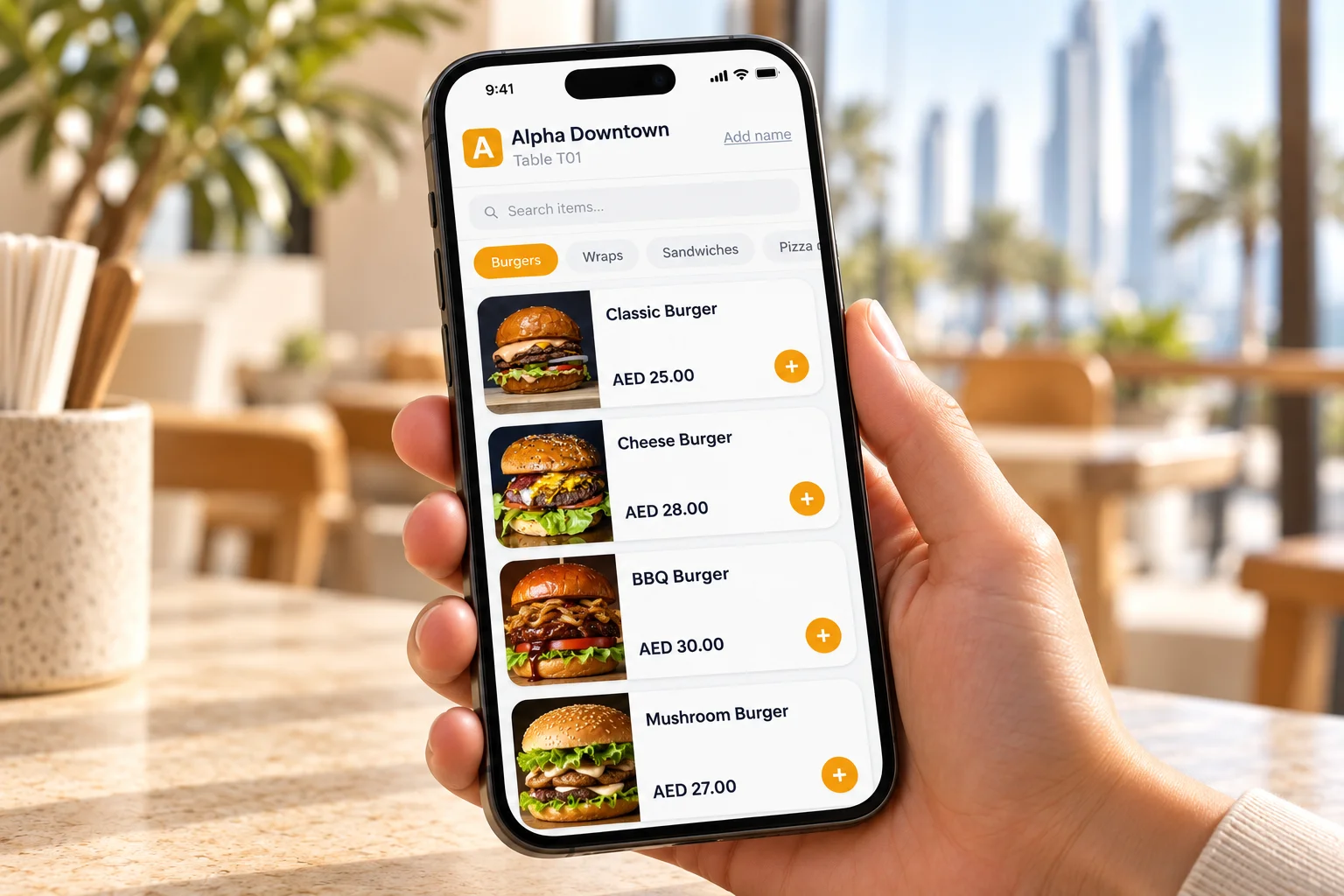
The digital menu reflects your restaurant — with your branding, your categories, your items and your modifiers.
- Restaurant logo and branding
- Organised menu categories
- Item descriptions and product images
- Prices in AED
- Available modifiers per item
Restaurant operations
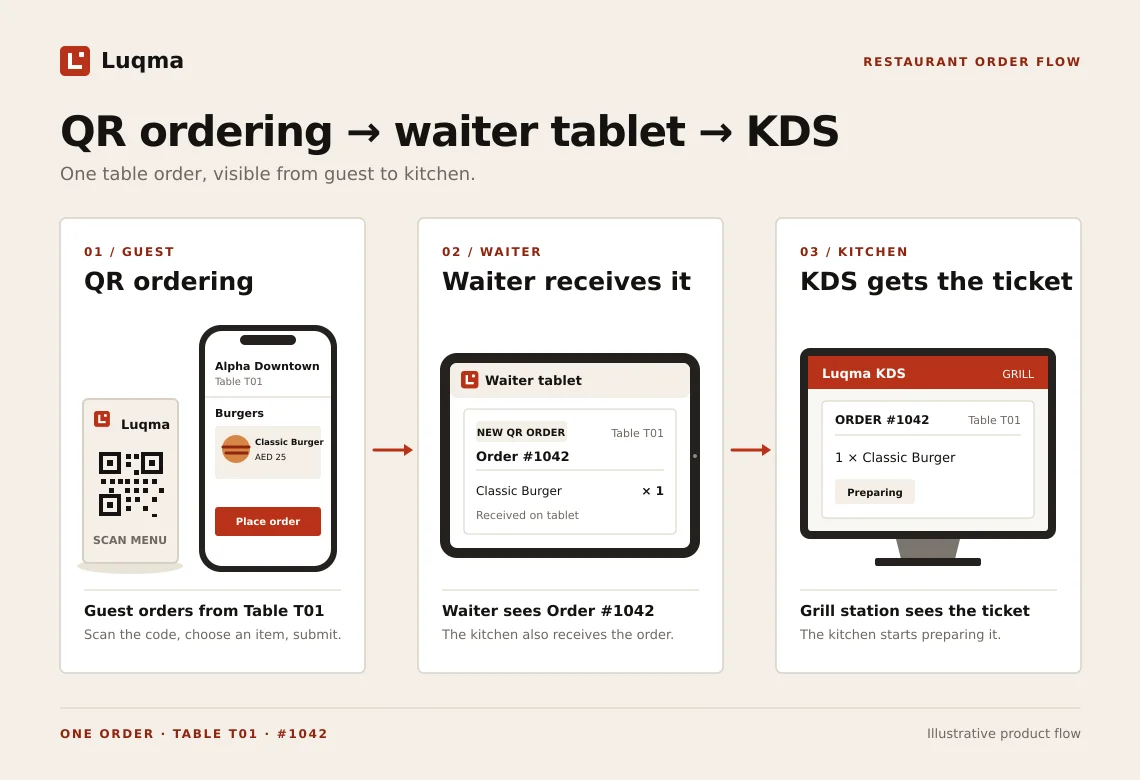
Connected to restaurant operations.
QR orders enter the same workflow as orders from Luqma POS or the Kitchen Display System. No separate system. No manual handoff.
Built for table-service operations.
Any restaurant where customers sit and order is a candidate for QR ordering.
Frequently asked questions
Last updated: 24 September 2026
How does QR ordering work?
A QR code is placed on each restaurant table. Customers scan it with their phone camera, the digital menu opens in their browser, they browse and select items — including modifiers — and place their order. The order arrives in the Luqma restaurant workflow instantly.
Do customers need to install an app?
No. The digital menu opens directly in the customer's mobile browser after they scan the QR code. No app download or account is required.
Can customers view menu items and modifiers?
Yes. Customers see your full digital menu with item names, descriptions, prices and available modifiers — such as size, extras and add-ons — before placing their order.
Can QR orders connect to Luqma POS?
Yes. QR orders are part of the Luqma platform. They enter the same workflow as orders placed by cashiers or server tablets — routed to the kitchen or KDS and tracked through to service.
Can each table have its own QR code?
Yes. Luqma generates per-table QR codes so each order is associated with the correct table in the restaurant.