Restaurant Reservations,
Organized in One Place.
Record bookings, manage guest details and plan tables from one simple reservation workspace.
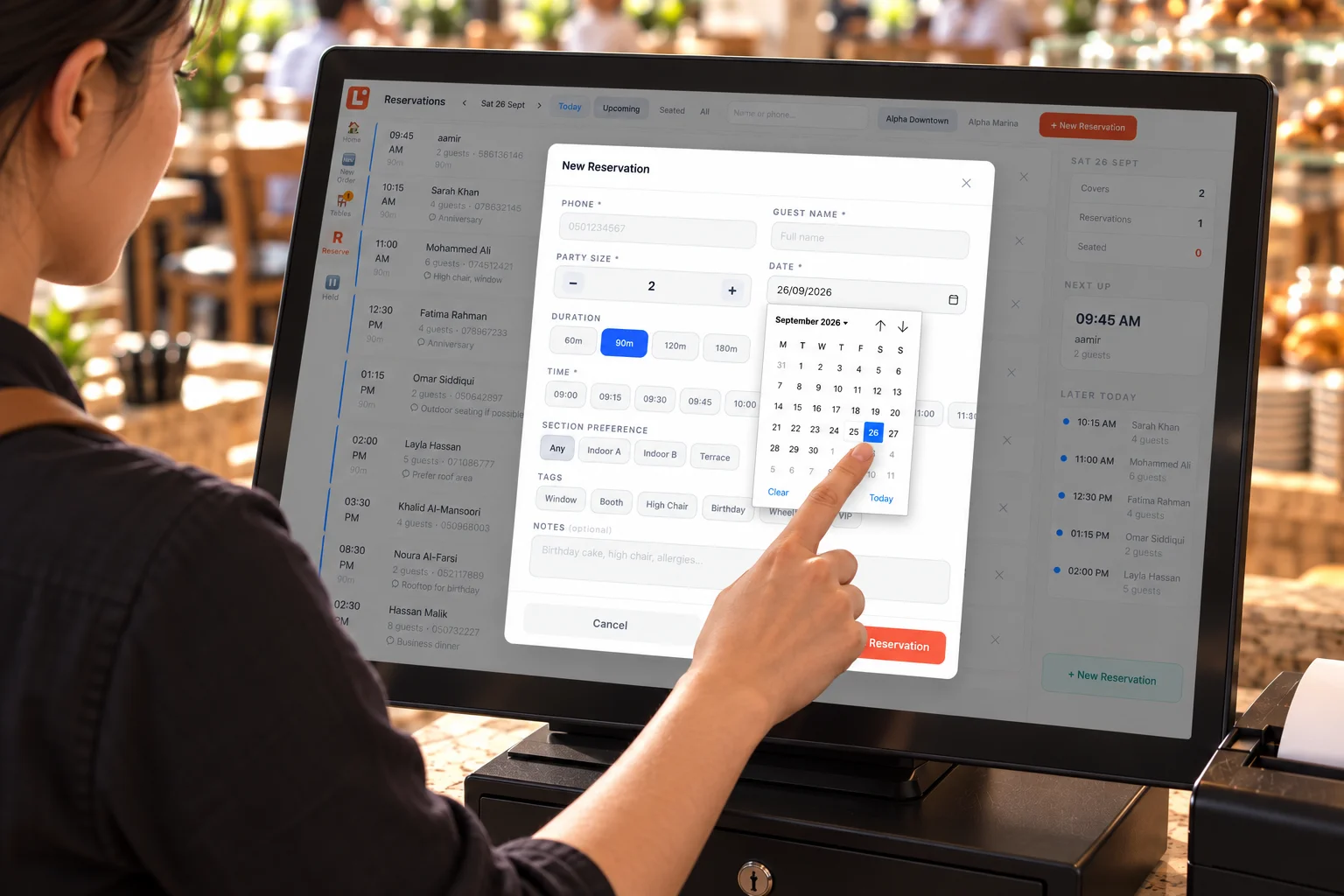
End-to-end reservation flow
From customer call to reserved table.
Restaurant staff handle every booking from receipt to arrival — keeping the front-of-house team informed at every step.
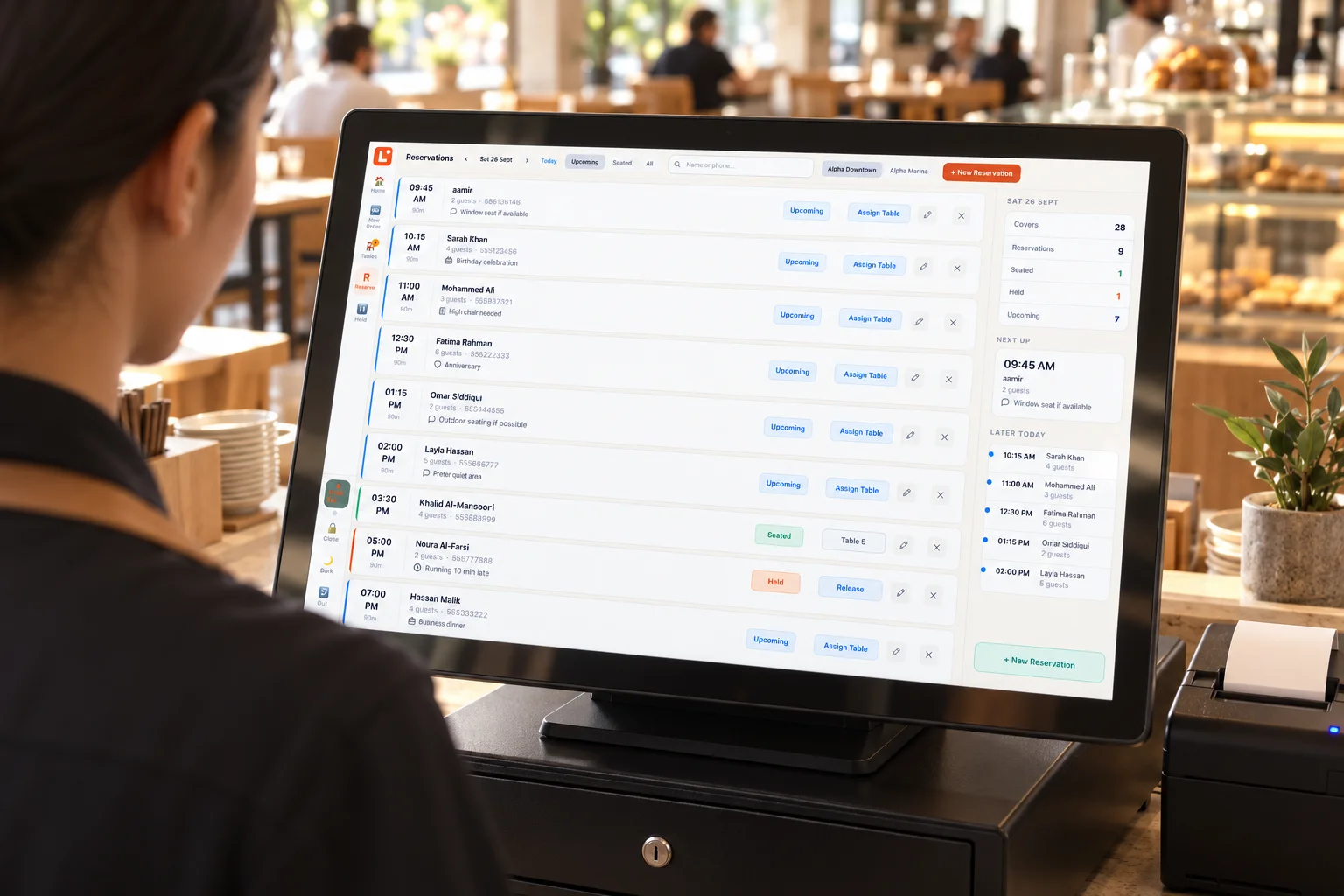
Everything your team needs to manage bookings.
One reservation workspace for the full booking lifecycle.
Reservation Calendar
See upcoming restaurant bookings at a glance, organized by date and time.
Guest Details
Store the guest's name, contact information and reservation specifics in one place.
Party Size
Record the number of guests expected so tables and staffing can be planned.
Table Assignment
Assign the booking to the right table where table management is configured.
Booking Status
Track each reservation from confirmed through to arrived or cancelled.
Notes & Preferences
Record useful booking notes for the team — special requests, seating preferences or contact reminders.
Front of house
Keep reservations and
dine-in connected.
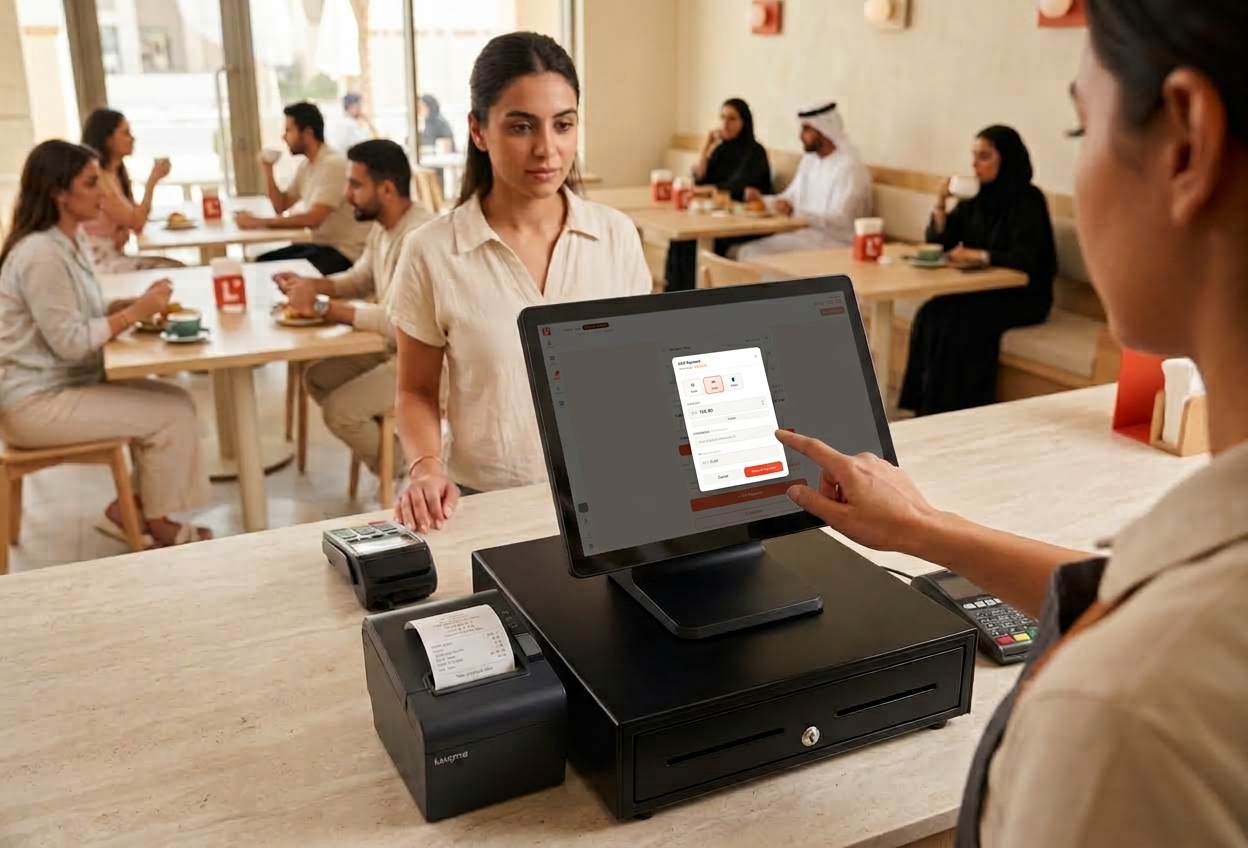
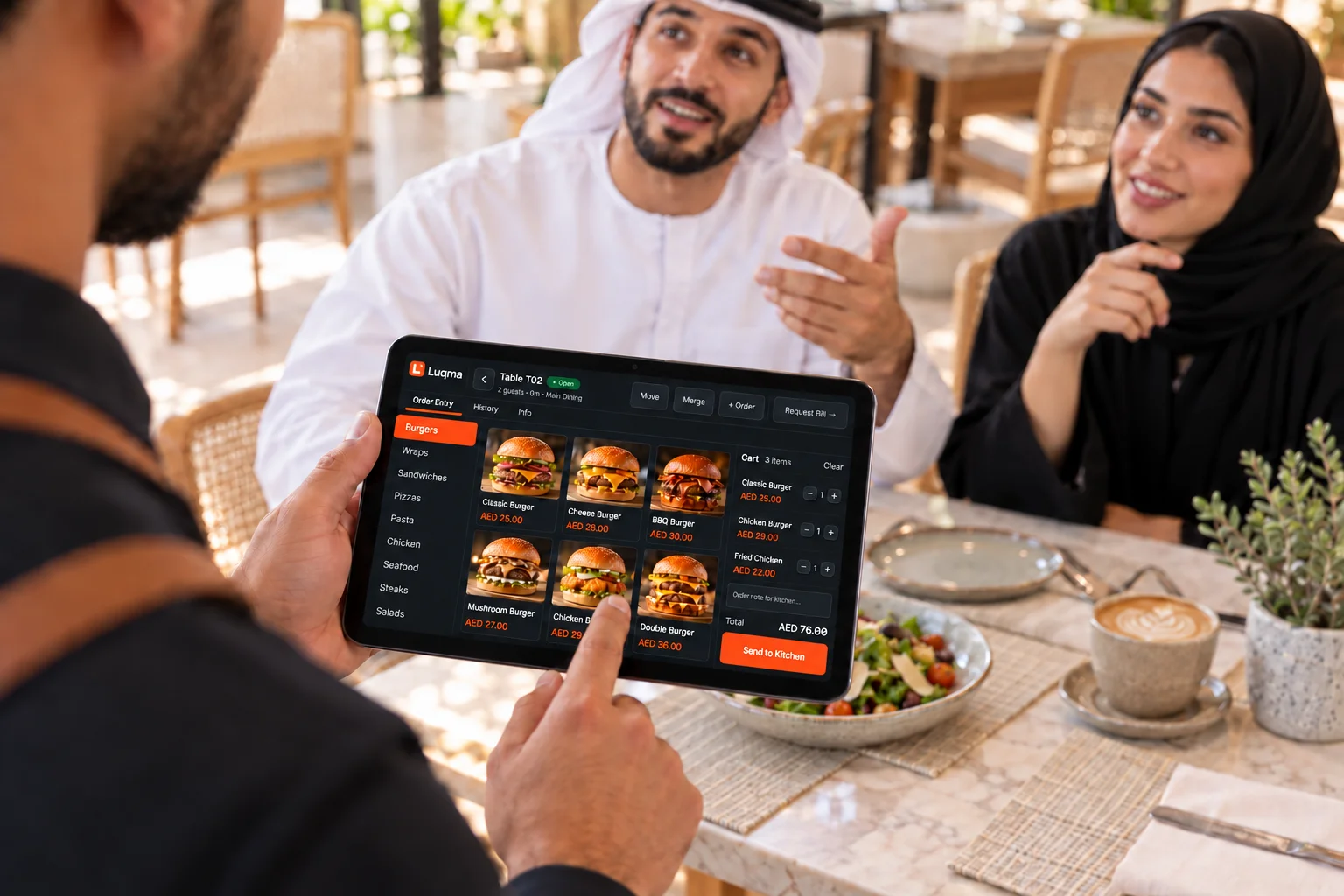
The team manages reservations alongside normal dine-in operations. When a booked guest arrives, the reservation moves into the table and dining workflow — no need to re-enter details.
- Record the reservation when the booking is received
- Assign a table in advance
- Mark the guest as arrived on the day
- Open a dine-in session from the reservation
- Handle walk-ins and reservations from the same interface
- Move from reservation into full table service and POS
Guest and booking records in one place.
The team can view reservation history, contact details, notes and booking status — useful for managing repeat guests and keeping front-of-house informed.
View a guest's past booking history.
Name and contact information stored with each booking.
Team notes recorded against each reservation.
Built for any table-reservation venue.
Any UAE restaurant or café where the team handles bookings.
Frequently asked questions
Last updated: 25 September 2026
Can customers book online?
Not currently. Reservations are created by restaurant staff after receiving the booking — by phone, direct contact or walk-in. There is no customer-facing online booking form.
Can staff create reservations from the cashier?
Yes. Authorized staff can record and manage restaurant reservations directly in the system.
Can I record party size?
Yes. The number of guests expected is recorded with each reservation so the team can plan accordingly.
Can reservations be assigned to tables?
Yes, where table assignment is configured in the restaurant setup.
Can I add guest notes?
Yes. Booking notes can be recorded against each reservation for the restaurant team to reference.
Can reservations connect to dine-in service?
Yes. When the guest arrives, the reservation can move into the normal restaurant table and dine-in workflow — the team does not need to enter the details again.