Self-Service Ordering Kiosk
for Restaurants.
Let customers browse, customise and place their own orders on a fast, touch-friendly kiosk — available in Arabic and English.
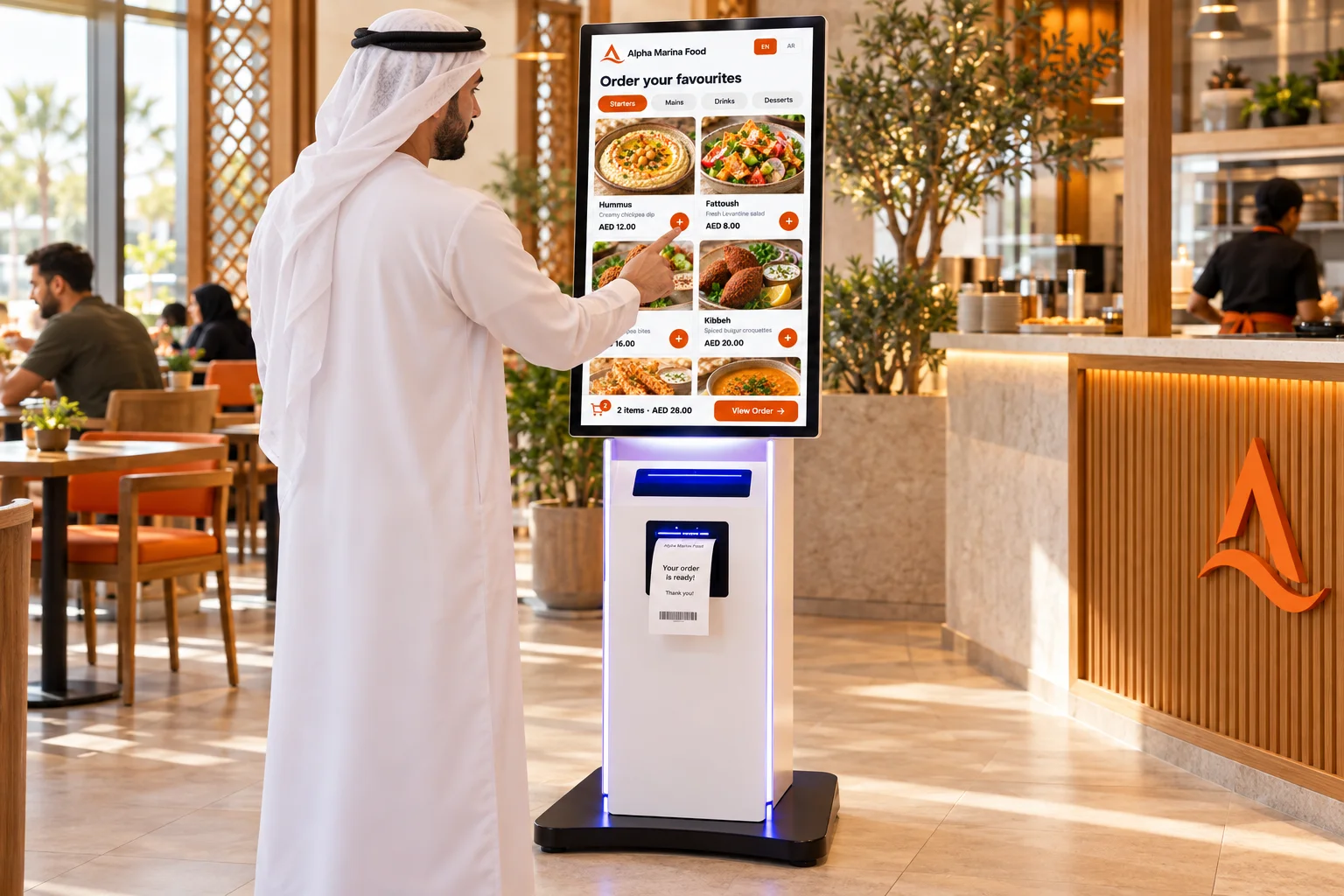
How it works
Order in a few simple steps.
Customers can complete the ordering journey themselves while the restaurant receives the order through its connected workflow.
The full ordering journey — at the customer's pace
-
1
Choose a languageArabic or English — selected once at the start of the session.
-
2
Browse the menuCategories and items are displayed in a touch-friendly layout sized for a kiosk screen.
-
3
Select items and modifiersCustomers choose available options before adding each item to their cart.
-
4
Review the cart and place the orderThe order is sent directly into the restaurant workflow — no staff input needed.
Bilingual experience
Arabic and English
from the same kiosk.
Customers can switch between Arabic and English during the ordering experience, making the kiosk practical for diverse UAE customers.
Customers choose their preferred language at the start of the ordering session.
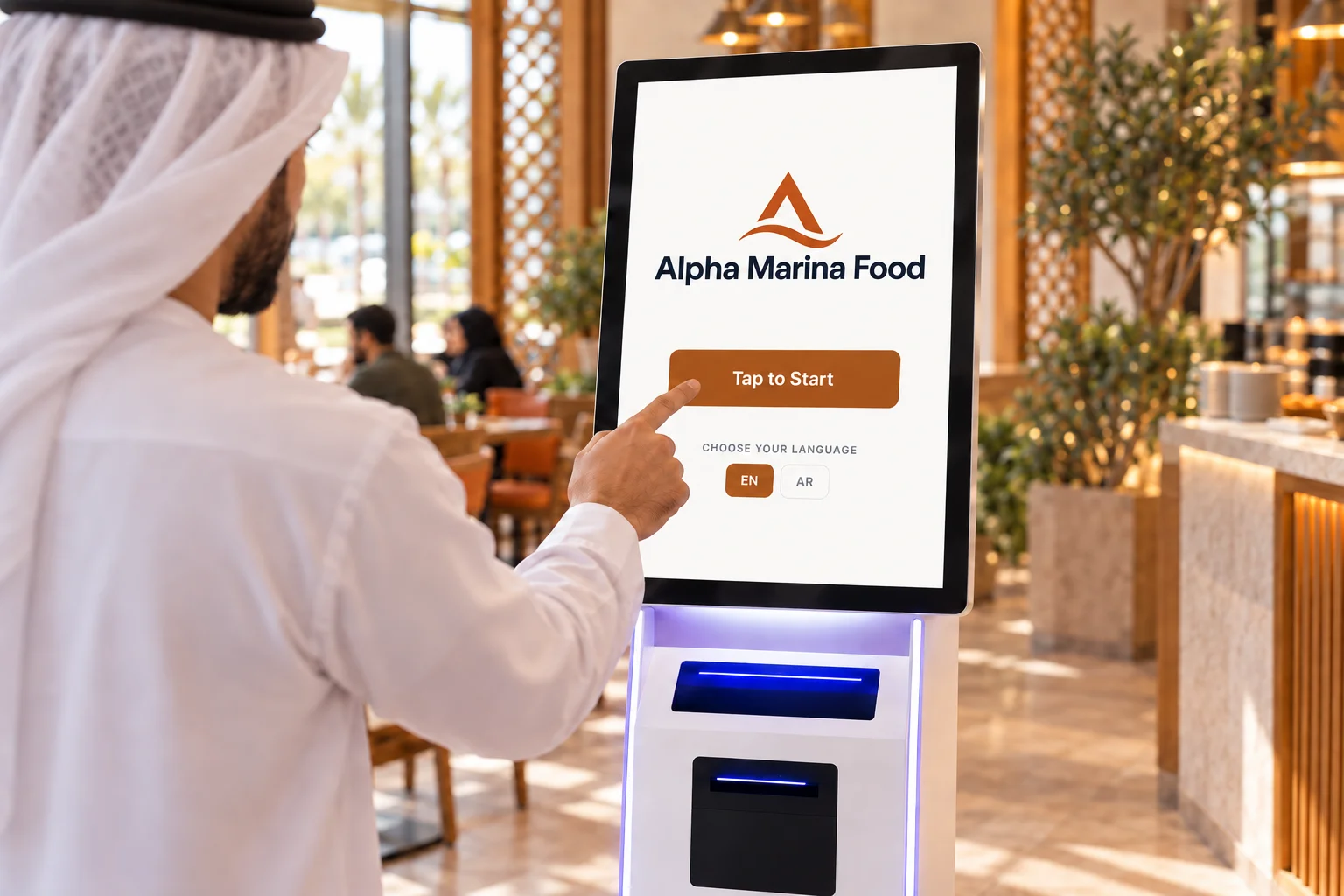
Built for faster self-ordering.
Everything a restaurant kiosk needs, connected to the same Luqma workflow.
Touch-Friendly Ordering
Large controls and clear menu layouts designed for kiosk touchscreens.
Menu & Modifiers
Customers browse available items and choose options before adding to their cart.
Arabic & English
Customers switch between both languages easily at any point in the session.
Branded Experience
The restaurant logo and configured brand styling can be applied to the kiosk.
Connected Orders
Submitted kiosk orders flow directly into the restaurant's connected order workflow.
Restaurant operations
Self-ordering without creating
a separate operation.
Kiosk orders become part of the same restaurant operation — routed through Luqma POS and sent to the Kitchen Display System like any other order. No disconnected system. No manual handoff.
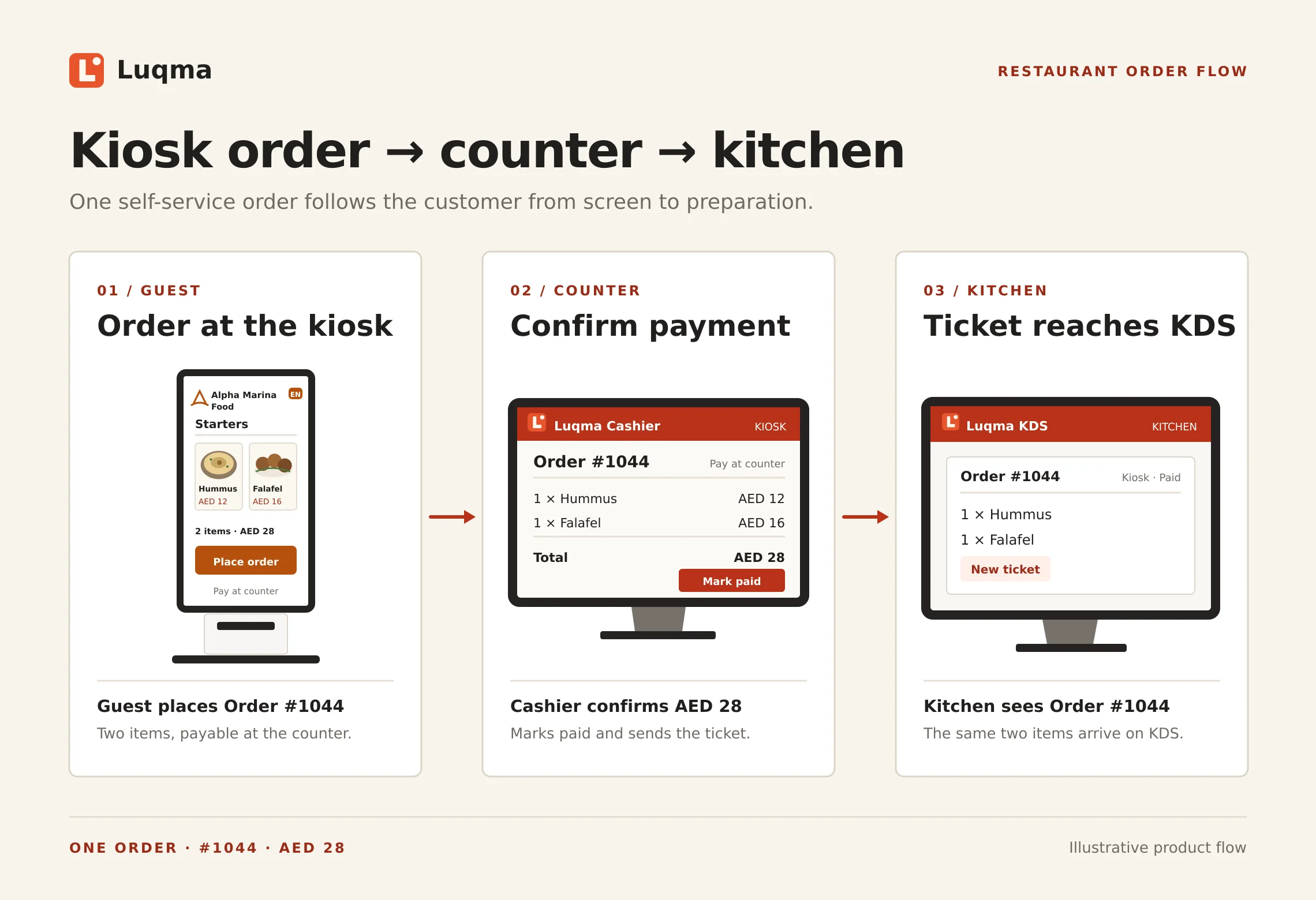
Built for fast-service F&B operations.
Any venue where speed and volume matter is a candidate for self-ordering.
Frequently asked questions
Last updated: 25 September 2026
What is a restaurant self-service kiosk?
A restaurant self-service kiosk is a touchscreen ordering system that lets customers browse the menu and place their own orders — without needing a cashier or server. It is commonly used in quick-service restaurants, cafés and food courts to reduce queues and speed up ordering.
Does Luqma Kiosk support Arabic?
Yes. The ordering experience is available in Arabic and English. Customers can choose their preferred language at the start of the session.
Can customers switch between Arabic and English?
Yes. Customers can choose between Arabic and English during the ordering session.
Can customers select modifiers on the kiosk?
Yes. Where modifiers are configured for a menu item — such as size, extras or add-ons — customers can select available options before adding the item to their cart.
Does the kiosk connect to the kitchen?
Yes. Submitted orders can flow into the restaurant's connected Luqma workflow, including the Kitchen Display System. Kiosk orders are treated the same as orders from other channels — no separate system required.
Can the restaurant use its own branding on the kiosk?
Yes. The restaurant logo and configured brand styling can be applied to the kiosk ordering experience.
What type of screen does the kiosk use?
The Luqma Kiosk is designed for portrait kiosk screens — the standard orientation for standing self-service ordering terminals.