Mobile POS System
for UAE Restaurant Waiters.
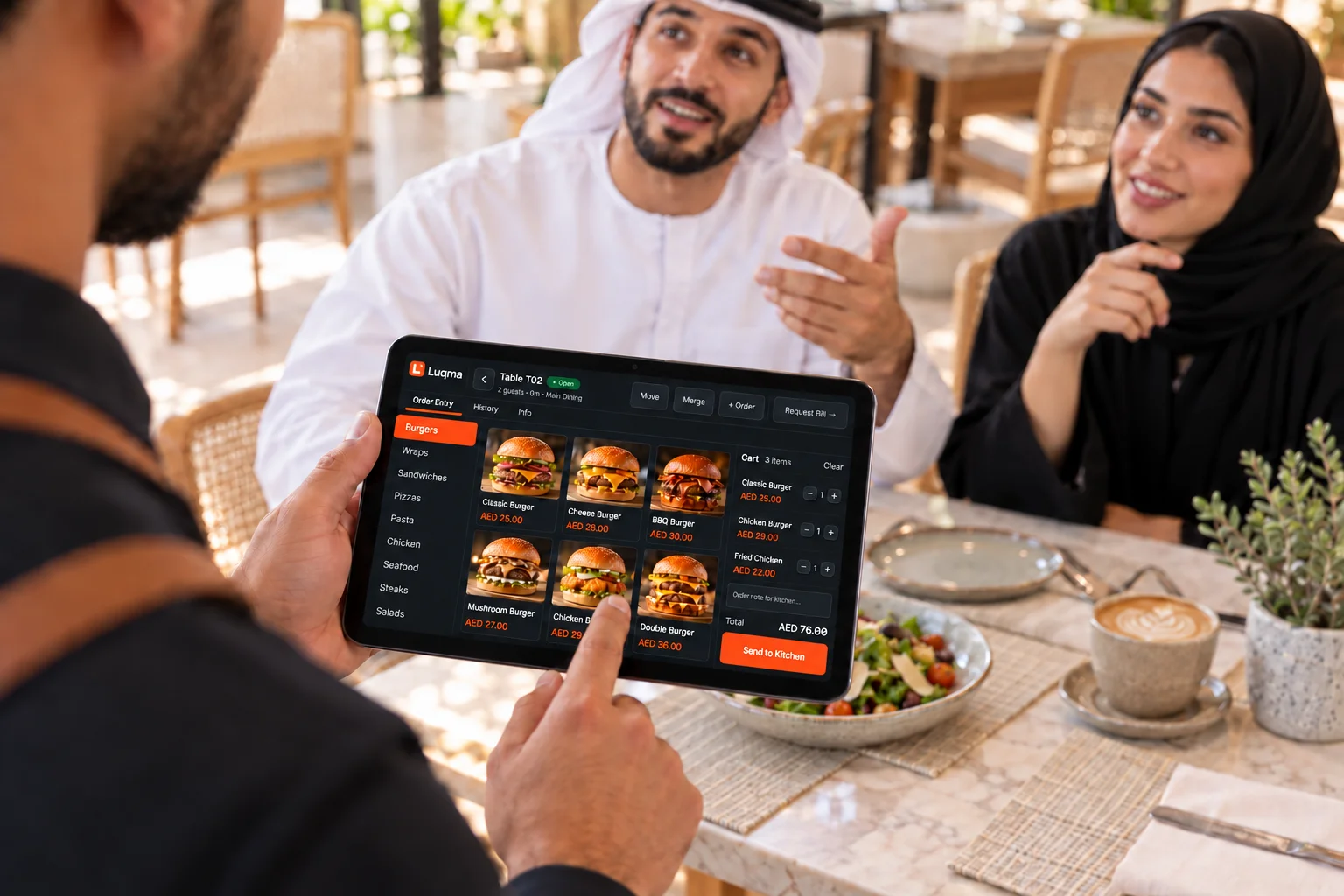
Give servers a fast, touch-friendly ordering screen for dine-in service. Orders stay connected to the table, kitchen and final bill.
Luqma Waiter Ordering is a restaurant order-taking app for UAE dine-in service. Staff open a table session, assign items to individual guests, and send orders to the kitchen — all connected to the same dining session and bill.
End-to-end dine-in flow
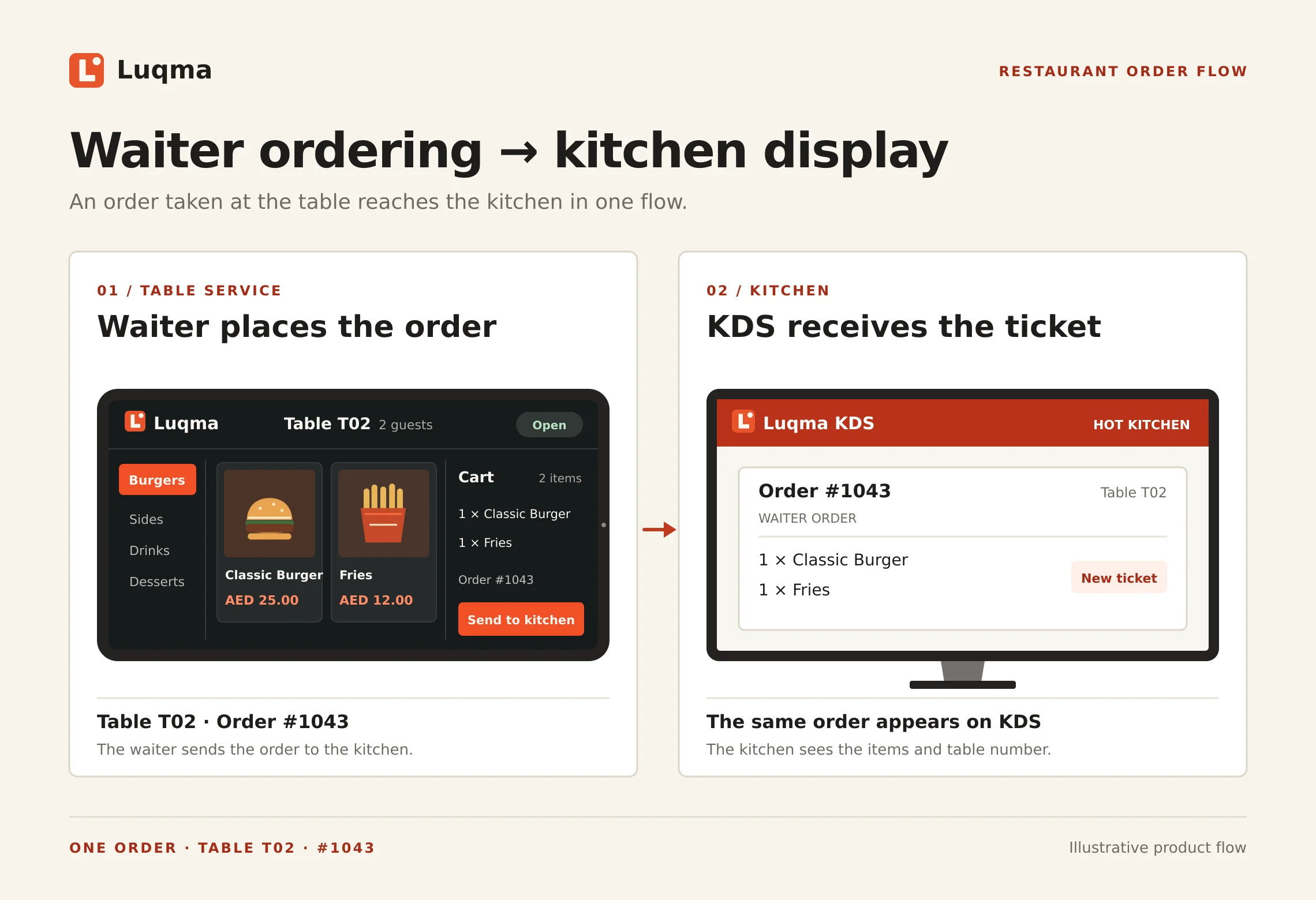
From the table to the kitchen.
Servers take orders at the table and send them into the same Luqma dine-in workflow used by the cashier and kitchen.
Built for faster table service.
Everything a server needs to manage a table from opening to close.
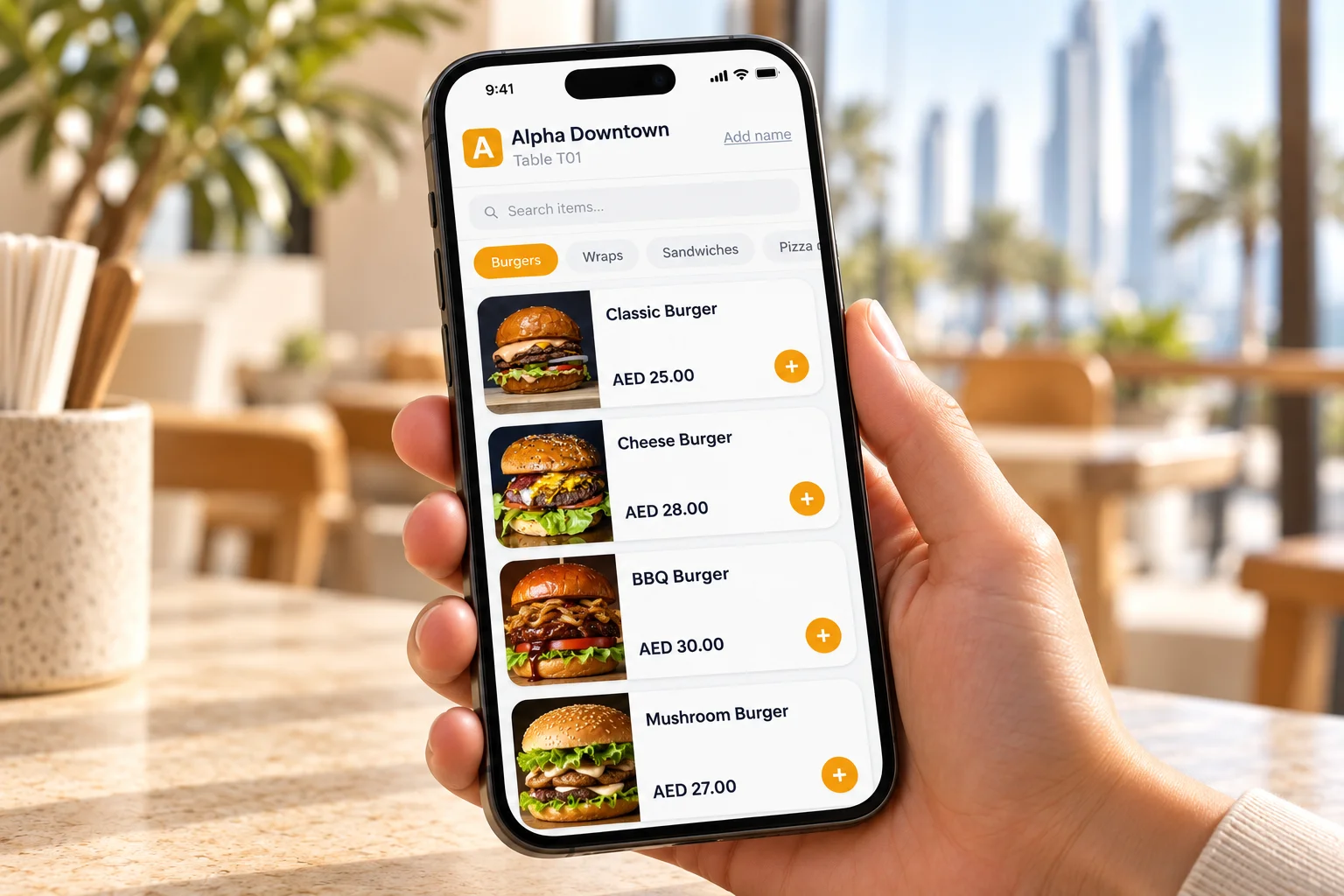
Order at the table
Take dine-in orders without returning to the cashier terminal.
Menu & modifiers
Choose items, sizes, extras and available modifiers from the full menu.
Send to kitchen
New items reach the KDS or KOT workflow immediately on submission.
Keep the table connected
Orders remain part of the same dining session and final bill.
Add items later
Servers continue adding items as guests order throughout the meal.
Guest-level ordering
Assign each item to a specific guest at the table. Tracked per person from the moment it is ordered — ready for split billing.
Refire items
Send an item back to the kitchen to be remade. Refire directly from the table session without returning to the cashier.
Table service
Built around real
table service.
The waiter ordering flow covers the full dine-in lifecycle — from opening the table to closing the bill.
- Open a dining session
- Set guest count
- Add items throughout the meal
- Send new items to kitchen
- Assign items to individual guests
- Guest-level ordering for clean split billing
- Request and manage the final bill
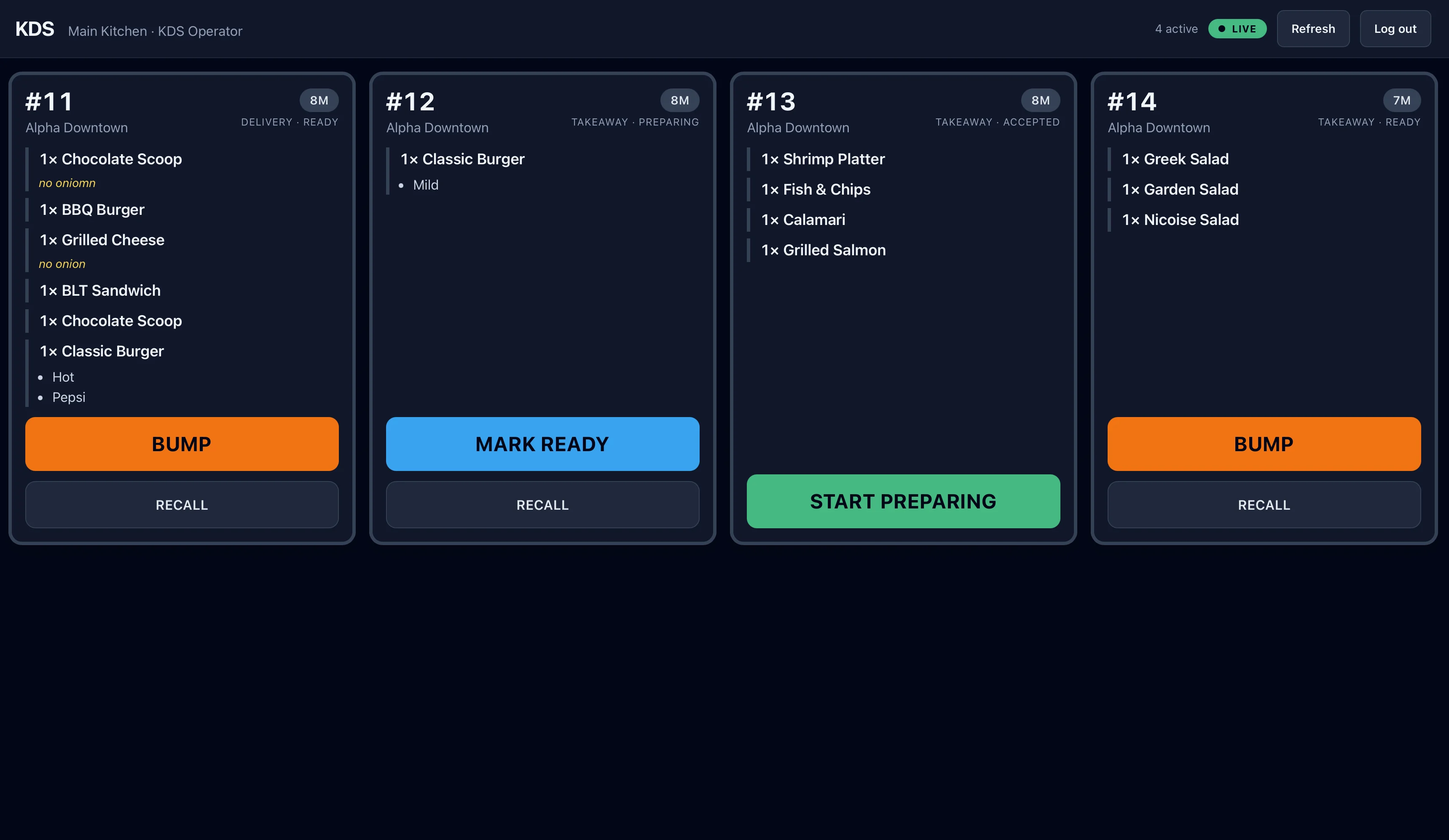
Orders reach the right kitchen workflow.
When the waiter sends items, they follow the same kitchen routing used by Luqma KDS and KOT printing — no separate kitchen setup needed.
Explore Kitchen Display SystemDesigned for dine-in table service.
Any venue where staff take orders at the table.
Frequently asked questions
Last updated: 25 September 2026
What is a waiter ordering system?
A waiter ordering system is a mobile or tablet interface that lets restaurant staff take orders directly at the guest table and send them to the kitchen — without returning to a fixed cashier terminal.
Do orders go directly to the kitchen?
Yes. Items submitted by the waiter follow the same Luqma KOT and KDS kitchen workflow used by the cashier — routed to the correct station in real time.
Can servers add more items later?
Yes. Servers can continue adding items to the same dining session at any point while the table is open.
Does the waiter app use the same table bill?
Yes. All items entered by the waiter are part of the same dining session and appear on the final bill, alongside any items entered at the cashier.
Can it work with Luqma KDS?
Yes. Waiter orders enter the same kitchen workflow — items are routed to the correct KDS station exactly as they would be from the cashier screen.
Does it work for dine-in?
Yes. Luqma Waiter Ordering is designed for dine-in table service — opening sessions, setting guest counts, taking orders throughout the meal and managing the final bill.
Can I assign items to individual guests?
Yes. Luqma Waiter Ordering supports guest-level ordering. Servers assign each item to a specific guest at the table when taking the order. Because items are tracked per guest from the start, split billing at the end of the meal is straightforward — no need to manually separate the bill later.